 CFG Client
Play Minecraft
without the official launcher.
CFG Client installs every version from 1.8 to 26.x, sets up Fabric and mods and comes with its own in-game menu. Free, no ads, for Windows.
View the virus scan of the setup file on VirusTotal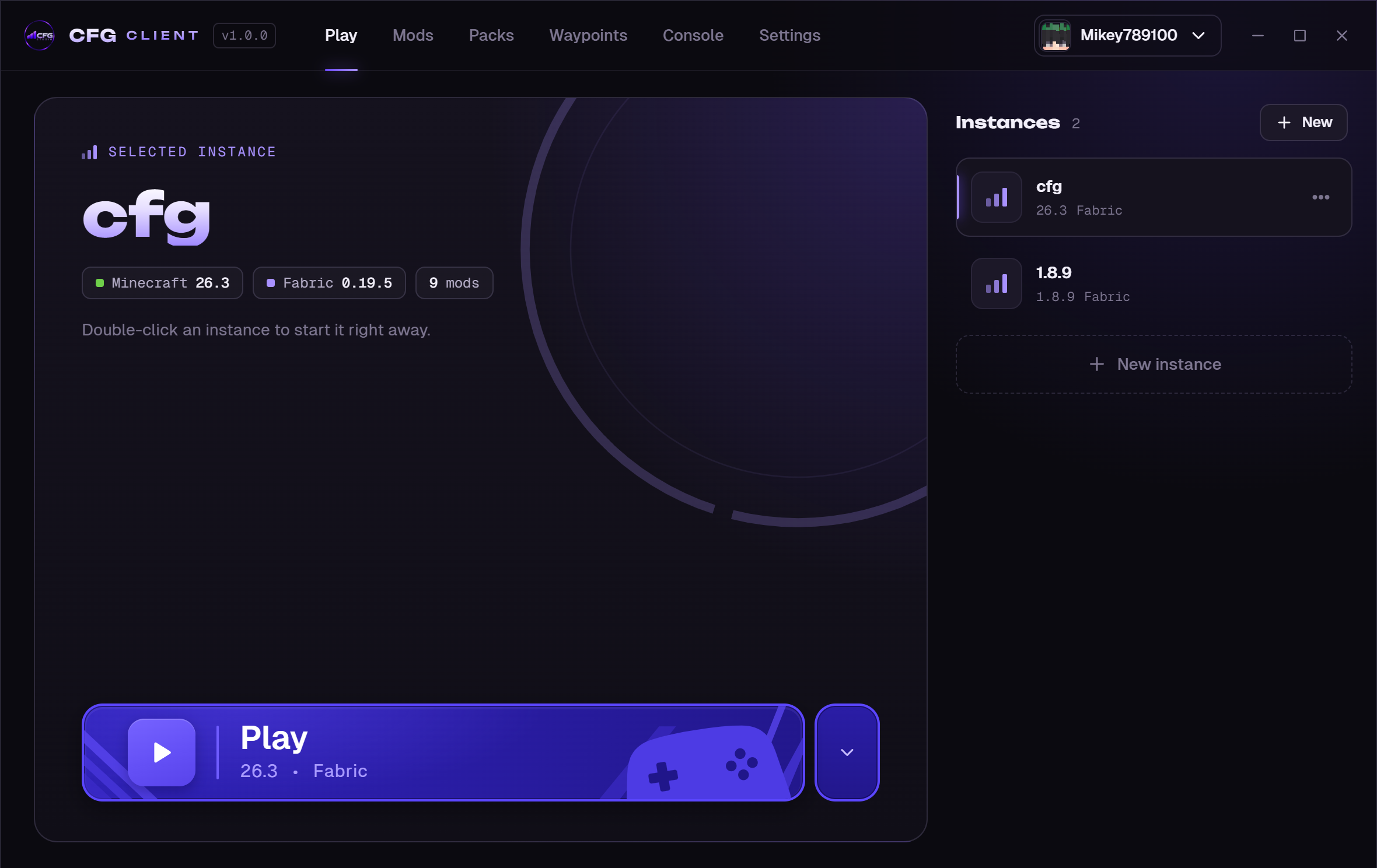
What the client does
Pick a version, press Play and the client does the rest: Java, game files, assets and Fabric are downloaded and checked. Once everything is in place, the game starts almost instantly.
- Versions1.8, 1.12, 1.16, 1.19, 1.20, 1.21 and 26.x, each with all sub-versions
- LoadersVanilla, Fabric, Forge and NeoForge, plus Legacy Fabric for 1.8.9
- AccountsMicrosoft sign-in, multiple accounts, your skin as profile picture
- InstancesSeparate folders for mods, worlds and settings
- ModsSearch thousands of mods, or install the CFG Pack with one click
- LanguagesEnglish, German, Spanish, French, Portuguese, Italian, Polish and Russian – in the launcher and the in-game menu
In-game menu on Right Shift
In game, Right Shift opens the CFG menu. Turn displays like FPS, CPS, coordinates or keystrokes on and off, move them into place in the HUD editor and use zoom, toggle sprint or fullbright.
The menu works in every supported version, vanilla instances included, and speaks the language you pick in the launcher. There is nothing to install.
Waypoints only you can see
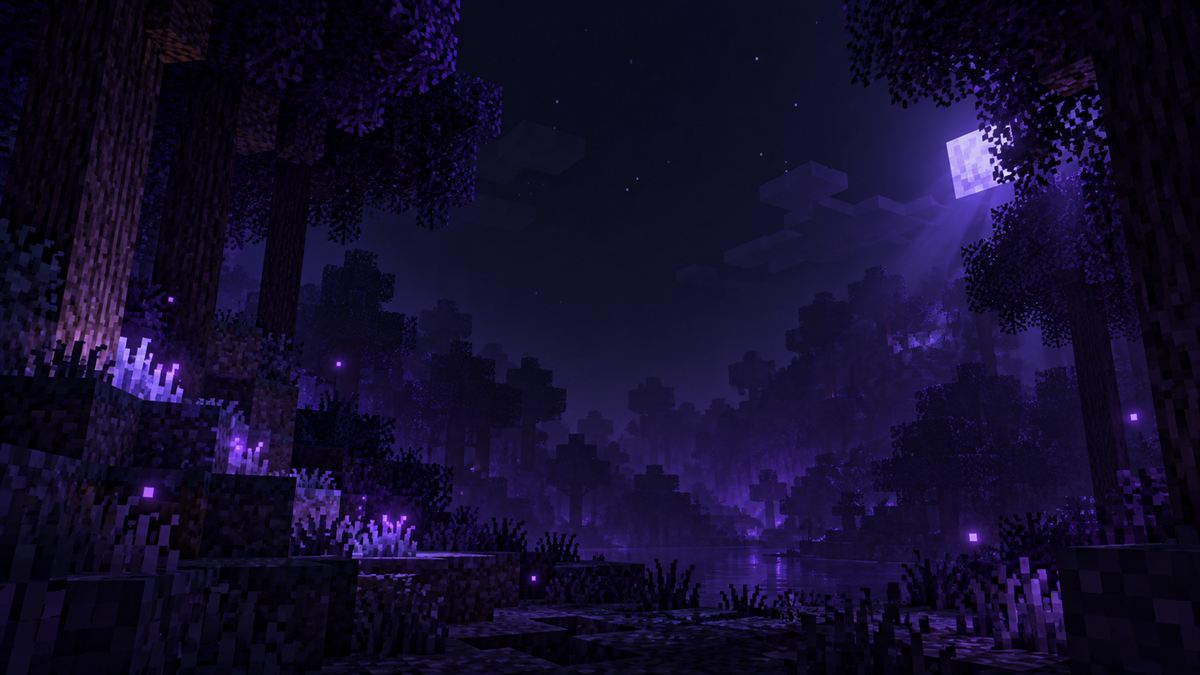
The CFG Pack adds a minimap and a world map. You create, edit or hide waypoints in the in-game menu. They are saved only on your PC.
On public servers, fair-play mode turns off the player radar and the cave map. The server’s rules still apply.
Resource packs, data packs and shaders
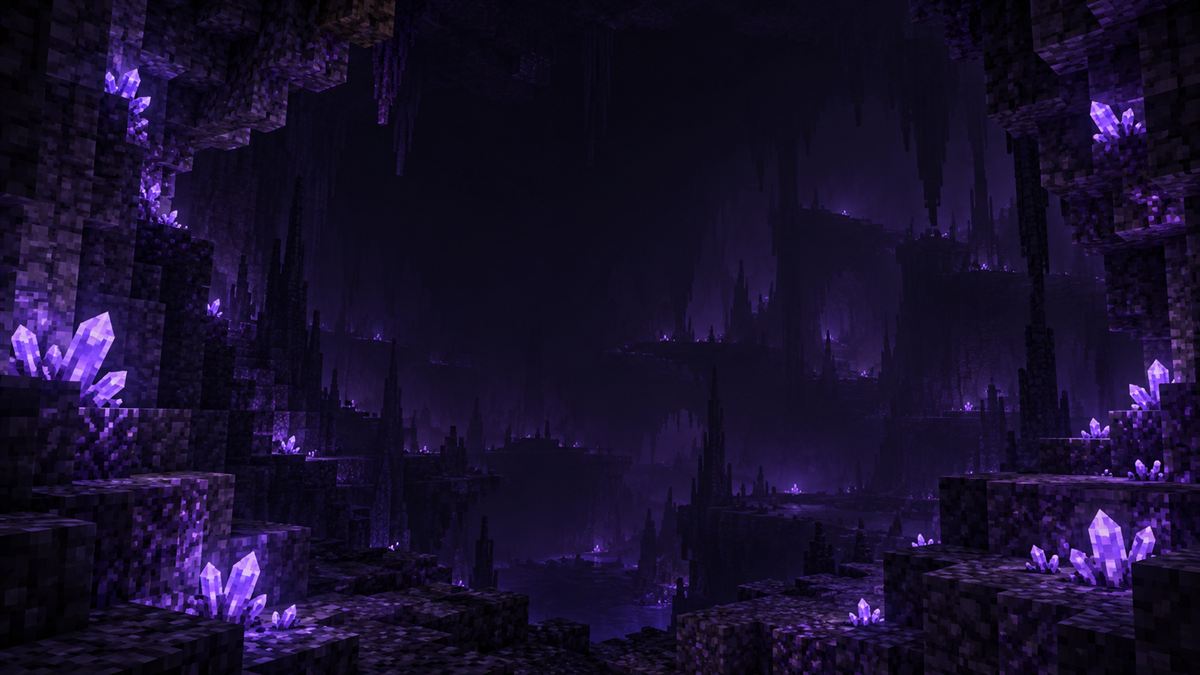
On the “Packs” page you search for packs that match your version. Resource packs and shaders are active right after installing, data packs go into the world you choose. For shaders, the client sets up Iris by itself.
Included in the CFG Pack
- SodiumMore FPS
- LithiumFaster game logic
- FerriteCoreLess RAM
- Entity CullingSkips hidden entities
- Xaero's MinimapMinimap and waypoints
- Xaero's World MapWorld map
- Mod MenuMod overview in game
- Fabric APIBase for mods

Download
Version 1.0.0, free. For Windows 10 and 11 (64-bit).
The exe isn’t signed yet. If Windows SmartScreen shows a warning, click “More info” and then “Run anyway”.
Questions
Do I need the official Minecraft Launcher?
No. CFG Client downloads the game, Java and all files by itself and starts Minecraft directly.
Do I need a Minecraft account?
Yes, a Microsoft account with Minecraft: Java Edition. You sign in directly with Microsoft – the client never sees your password.
Can other players see my waypoints?
No. Waypoints stay on your PC. Whether minimaps are allowed depends on the server.
Which versions have the in-game menu?
All versions of the 1.8, 1.12, 1.16, 1.19, 1.20, 1.21 and 26.x lines, with Vanilla, Fabric or Legacy Fabric. A few displays such as biome and armor only exist in 1.21.11 and 26.x.
How do I install resource packs, data packs and shaders?
On the “Packs” page in the client. Shaders need a Fabric instance; the client installs Iris along with them.
Which languages does the client speak?
English, German, Spanish, French, Portuguese, Italian, Polish and Russian. Switch it under Settings → Language – the in-game menu follows.
Does Forge work?
Not yet. Vanilla, Fabric and Legacy Fabric are supported.
Where is my data stored?
In %APPDATA%\.cfgclient: instances, worlds, mods and settings.